Your Guide to Starting Video Editing in 2025 (The No-Nonsense Guide)
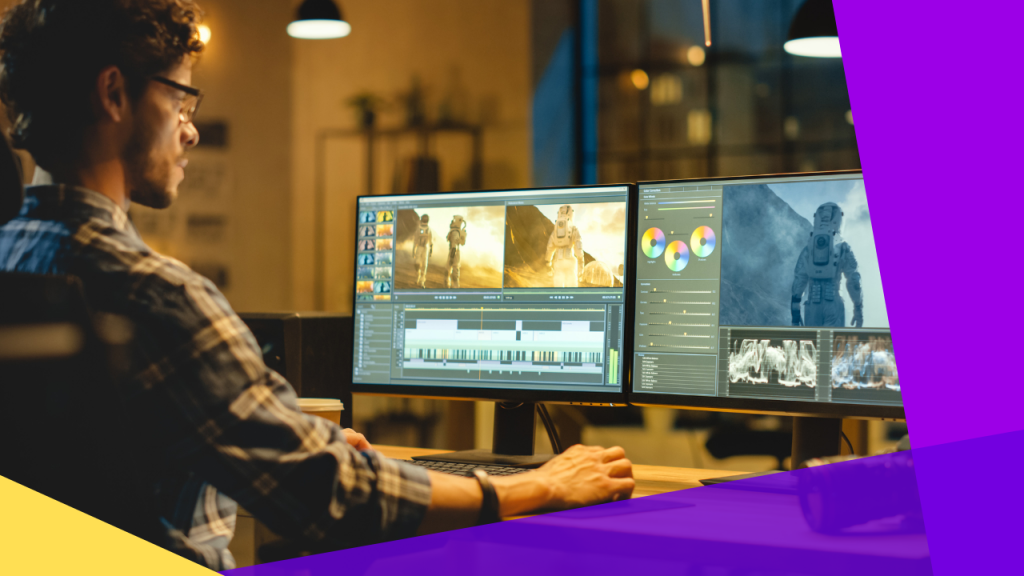
Ever watch a beautifully crafted video and think, “I wish I could do that”? The good news is, you can. The even better news is that starting video editing in 2025 is more accessible than ever before.
But let’s be honest—it can also feel incredibly overwhelming. What camera do you need? What software should you use? What’s a J-cut?
As a professional editor who spends his days (and many nights) on the timeline, I’m here to cut through the noise. This is your no-nonsense, step-by-step guide to starting your video editing journey, right here, right now.
Step 1: Forget the Expensive Gear (Seriously)
The biggest myth that holds people back is the belief that you need a fancy, expensive camera to start. In 2025, that’s simply not true.
The device you’re using to read this—your smartphone—is one of the most powerful creative tools ever made. Modern phone cameras shoot in high resolution, offer manual controls, and are more than capable of producing stunning results.
Your Action Plan: Start with what you have. Your goal right now isn’t to win an Oscar; it’s to learn the fundamentals of storytelling, pacing, and rhythm. Focus on shooting stable clips with good lighting. The craft comes first, the gear comes later.
Step 2: Choose Your Editing Software (Your Digital Toolbox)
This is where most beginners get stuck. There are dozens of options, but they all fall into three main categories.
A) The Free Powerhouses (For Desktop)
If you’re serious about learning on a desktop or laptop, there is one clear winner:
- DaVinci Resolve: What used to be a million-dollar colour grading suite is now free. The free version of Resolve is more powerful than what professionals were using just a few years ago. It offers incredible editing, effects, audio, and world-class colour grading tools. It has a learning curve, but it’s an investment that will pay off for years.
B) The Industry Standards (For Desktop – Paid)
Once you’re ready to invest, these are the tools the pros use:
- Adobe Premiere Pro: The most widely used professional editing software in the world. Its biggest strength is its seamless integration with the rest of the Adobe Creative Cloud suite, like After Effects and Photoshop. It’s a monthly subscription.
- Final Cut Pro (Mac Only): Known for its speed, ease of use, and incredible performance on Apple hardware. If you’re a dedicated Mac user, this is a top-tier choice. It’s a one-time purchase.
C) The Mobile Champions (For On-the-Go Editing)
Many creators now edit exclusively on their phones. These apps are powerful and intuitive:
- CapCut: The undisputed king of short-form content editing. It’s free, packed with features like auto-captions, trendy effects, and it’s incredibly easy to use. Perfect for creating Reels, Shorts, and TikToks.
- VN Video Editor: A fantastic and free mobile editor with a clean interface and no watermarks. It offers more manual control than CapCut, making it a great all-around choice.
My Recommendation for 2025: Don’t try to learn everything at once. Pick ONE. My advice? Start with DaVinci Resolve on desktop to learn professional workflows, or master CapCut on your phone to start creating content immediately.
Step 3: Learn the “Holy Trinity” of Editing
Editing is more than just trimming clips. Focus on these three core skills.
- The Cut: This is the heart of editing. Don’t just place clips back-to-back. Learn basic techniques like cutting on action (making cuts feel invisible) and using J-cuts and L-cuts (where the audio from the next or previous clip overlaps) to create a smooth, professional flow.
- Colour: Colour creates mood. First, learn Colour Correction (fixing issues to make the video look natural). Then, move to Colour Grading (applying a creative look or style). A simple way to start is by using LUTs, like the free cinematic LUTs we offer right here on FramesFixer.
- Audio: Audio is 50% of the video experience. Bad audio will ruin a great-looking video. Learn to level your sound, find good royalty-free background music (YouTube’s Audio Library is a great place to start), and add simple sound effects to make your edits feel more alive.
Step 4: Your First Project (The 1-Minute Challenge)
Theory is great, but you learn by doing.
Your Action Plan: Create a 30-60 second video this week. Don’t overthink it.
- Shoot 10-15 short clips of something simple: making your morning coffee, a tour of your desk, your pet playing.
- Import the clips into your chosen software.
- Cut them together to the beat of a song.
- Apply a LUT to give it a consistent look.
- Export and share it. It won’t be perfect, but it will be done.
Conclusion: Just Start
The secret to becoming a great video editor is the same as the secret to anything else: start small and be consistent. Don’t get paralyzed by choice. Pick a tool, learn the three core skills, and start creating.
Every edit you make, no matter how small, is a step forward. Welcome to the timeline.